










From videos people just watch 

 To solving problems alone, on the job 

 With video work instructions 

Registered companies

800+

Retention rate

99% and above

Endorsed by MIC
ASPIC Cloud Award 2024

Venture Grand Prix

Endorsed by Tokyo
Tokyo Content/Solution
Business Award 2023

Award-winning

※ As of August 2026 (average of the past 3 months). Based on paid annual contracts.

  • Image 10-4
  • Screenshot 2025-09-15 175406
  • Image 1-Sep-05-2024-08-36-15-4858-AM
  • Image 8-3
  • tekken
  • Image 3-4
  • Image 4-2
  • Image 9-3
  • Screenshot 2025-04-01 141604
  • Screenshot 2025-04-01 141717
  • Image 11-2
  • Image 10-4
  • Image 2-Sep-05-2024-08-36-15-5592-AM
  • Screenshot 2025-09-15 175406
  • Image 1-Sep-05-2024-08-36-15-4858-AM
  • Image 8-3
  • tekken
  • Image 3-4
  • Image 4-2
  • Image 2-Sep-05-2024-08-36-15-5592-AM
  • Image 9-3
  • Screenshot 2025-04-01 141604
  • Screenshot 2025-04-01 141717
  • Image 11-2
  • Image 10-4
  • Screenshot 2025-09-15 175406
  • Image 1-Sep-05-2024-08-36-15-4858-AM
  • Image 8-3
  • tekken
  • Image 3-4
  • Image 4-2
  • Image 2-Sep-05-2024-08-36-15-5592-AM
  • Image 9-3
  • Screenshot 2025-04-01 141604
  • Screenshot 2025-04-01 141717
  • Image 11-2
  • Screenshot 2025-09-15 175406
  • Image 10-4
  • Image 1-Sep-05-2024-08-36-15-4858-AM

Complete on the web! Get started in 5 minutes

Create business case materials for management


We created a video manual.
But people just watch and move on.
In the end, they ask a coworker for help.

The reason is simple.
Video manuals are built as a pre-training format—shown during orientation and then forgotten.

  • It's hard to find the specific task you need in the video
  • Tips and critical points aren't explained well enough
  • When the situation is different, people don't know what to do

On the job, workers can't find answers and end up asking someone else.
Research on actual manufacturing floors shows 87% say "even after watching, I still ask a coworker" (Industry survey).

Despite all the time spent creating it, the video manual becomes just another asset that's "made and forgotten."

That's the limit of video manuals.

Video + text + questions. Field-support video work instructions.

From videos people just watch
to solving problems alone
with video work instructions

Video work instructions break things down: short videos + text + questions per step.
Where video alone falls short, text explains the judgment and tips. Questions confirm understanding. With all the info needed right there in one step, workers solve problems alone when they need to.

Try the finished product below.

View full screen in a new tab ↗

Try it with your own videos

See how we compare to others

Make field support the core.
Keep improving with the field's voice.
7 core features

Stuck on the job? Open Dive right then and find your answer alone—that's Dive's field support.
Better yet, all you need to do is shoot. AI automatically turns tacit knowledge into clear instructions.


Seven features power that system. Start with what the field needs, and maintenance flows automatically. The more people use it, the more field knowledge accumulates. It becomes the foundation for training and skill handover.


Video + text + questions.
Instructions that leave no doubt

Get answers right where you need them

Each step has a video, backed up by text that explains decision criteria, tips, and warnings. Questions verify you've done it right. Supports conditional branches. Video alone is unclear—text and questions make real field decisions crystal clear. "Did I do this right?"—worry gone on the spot. Double-check by AI adds even more confidence.
Compare 6 video instruction creation tools side-by-side
Jump straight to the step
or caption you need

One keyword searches across videos, captions, and on-screen text

Usually videos play from the start—you hunt for the scene you need. Dive searches procedure titles, captions, and on-screen text all at once. One keyword gets you to the scene in seconds. You can also search by what you want to do or what's stuck you—AI search understands the question. The field's problem gets answered fast.

Diverse teams run
on the same instructions

192-language translation breaks down language walls

Viewers pick a language, and text, captions, and voice-over translate automatically. Trainees, skilled workers, overseas plants—everyone moves in their native language without confusion. Original-text side-by-side mode keeps on-the-job training safe. Export to Excel and MP4 too.

Beyond the instructions, Dive's interface itself works in 29 languages. Menus, buttons—all in your native tongue. First-time users never get lost.


Instructions that keep running
even with weak network

Works offline in the browser—view on PC and Windows tablets

Pre-load, auto-cache, and smart video delivery keep it running underground, outdoors, or overseas. Windows-first sites? That's where Dive shines—design only Dive has. Network doesn't slow you down. Watch when you need to, always.

Instant access from QR codes.
Print layouts that fit

Generate QR codes for procedures, folders, Favorites—any unit you need

Stick them on machines, post on safety boards, add to manuals—print layouts are flexible. Print multiple procedures from one folder at once. Hold your phone over the QR code in the field, and the procedure opens. Set up your whole field in one go.

For field workers without email, hand out accounts with just ID and initial password. Prevent sharing while keeping individual viewing history.

AR for hands-on understanding.
Confusion clears right here.

Video and text eliminate guessing. AR adds direct understanding at key points.

Video and text alone can't answer "Where?" or "Which way?"—AR (Augmented Reality) fills the gap. Layer information over the machine or equipment right in front of you, then point to "this" and "here" in the moment.

When doubt lingers, call someone on-site. Send camera footage and give remote support via video call. Point with AR arrows to show "here". Supports 8+ smart glasses types including Vuzix and XREAL, with voice control—so work continues even with both hands full.
Why add AR to work instructions?

Procedures that matter
grow where people ask

Only procedures with a reason to be read actually grow

Anyone on the floor can post "I need a procedure like this." Others vote it up. We build the most-wanted ones first. You asked for it, so you'll read it when it's done. Everyone needed it, so the floor will use it. We've engineered out the "created but nobody uses it" trap.

Patented innovation meets cutting-edge AI

To make procedures someone can follow alone, video, text, and questions must all work together.


Normally, that means shooting, splitting, organizing—heavy work that burns expert time.
Dive pairs our patented system with cutting-edge AI to handle it entirely.


Just shoot. AI writes it all down—even the tacit knowledge nobody's captured in words before. Know-how naturally becomes a company asset.


Cutting-edge AI that reads
human motion and sound

Reads people, parts, and speech. Turns what was never written into words.

Industry-leading AI reads the objects (parts, tools, machines) and people's movements (steps, gestures, operations) in your video and writes out what happens. Analyzes speech at the same time. No audio? The motion alone splits and summarizes steps, so you don't need to narrate as you shoot. Let AI take the obvious movements. Just add a tip on the tricky bits—and that stays in the procedure.

The sample above came from this video, auto-edited. Your data is never used to retrain.

Shoot normally,
upload, and done

No need to shoot each step separately.

Paired with the AI above and our patented system (JP Patent 7716145), just shoot your normal work straight through and upload. AI splits it into steps and organizes the text. No need to worry about transitions or force explanations. Expert time stays yours, floor-ready procedures are born.
Compare AI tools that turn video into manuals

Desktop screen recording works too. Workflows in business systems become procedures on the spot, so it trains desk staff as well as the floor.


Watch the video,
fill in four fields

Four-field format organizes tacit knowledge into structure

AI generates starter text for "What to do," "Tips," "Quality notes," and "Important safety information." Play the video in the editor and add your notes. Expert knowledge stays behind as structured text, properly organized.

You refine
what matters

AI handles most editing work.

Most editing tasks are done for you.

  • Questions auto-generated
  • Subtitles auto-made (with or without audio)
  • Redundant scenes auto-cut
  • Annotations auto-added

Procedures work even without audio. Just refine the parts you care about.

Polish for AI-generated
text and work instructions

Terminology Glossary, voice corrections, and standardized notation complete what AI generates

AI translations, captions, and text aren't always perfect with industry terminology and company standards. We have systems to refine them by hand.

  • Terminology Glossary — Unify in-house terminology and translations. Also feeds AI analysis.
  • Voice corrections — Fine-tune pronunciation of proper names and technical units
  • Notation Unification Dictionary — Share formatting rules and apply them across all content automatically

Bulk editing for quick fixes; save rules once and they apply to everything going forward. Deploy SOPs that match your company standards.

Start from your existing
work instructions

Keep the original format and add a new way to view work on the floor

Import — Select existing work instructions and analyze them. Create video instructions with the same steps in the same order.
Link — Connect to your standards manual or Excel. AI extracts safety and caution notes, automatically adding them to each step.
Export — Register your company's format and export back in that exact layout. Grid lines, formulas, and macros stay intact. You can also send links back to your original files.

For sites with existing instructions: use them. For sites without: film and create new ones.
We don't replace how you work today—your team can start confident.

Advanced AR creation
from your smartphone alone

VPS means no printing or markers needed

VPS (Visual Positioning System) turns photos of your workplace and equipment into AR markers. No 3D engineers needed. Build AR overlays from your phone. Add AR guidance just where it helps people understand the task.


Try AI analysis free

A guide to all features

And training too

Beyond floor support, Dive grows people through Training, Development, and Qualifications.


Assign required work instructions, track each person's skills and certifications—and watch your organization learn and improve.


[Training]
Bundle and assign
required work instructions

Make sure the right people see what they need to

Group instructions into Training courses and assign them. Required order, checkpoints, and solo completion checks prevent "watch and forget." We track viewing and completion all the way through. Reminders help people who haven't finished stay on track.

[Development]
Assess and track
each person's capability

See at a glance who can do what and how well

Skill Maps aligned with ISO 9001 Section 7.2 Competence show capability at a glance. Plan development from gaps and assign mentors. People find the right lessons without confusion, and growth over time stays documented.


Qualifications
Keep licenses and internal
certifications from lapsing

Know at any time who is qualified to perform each task

Import qualification data directly from Excel, then manage expiration dates and internal training cycles by person. As deadlines approach, we notify both users and administrators, and automatically assign refresher courses. Link required qualifications to SOPs so you can alert anyone who hasn't yet obtained them when they open a procedure.

Field-support model
validated by external recognition

Developers embedded in operations, building the system through co-creation and open innovation.
The effectiveness of our field-support approach has been recognized through multiple awards and selections.
We're also certified for the international information security standard ISO/IEC 27001:2022.


Recognizing services that solve social issues using advanced technology including VR, AR, and AITokyo Contents/Solution Business Award 2023

Award Winner

Venture Grand Prize at the ASPIC Cloud Award 2024, sponsored by the Japan Cloud Industry Association

Selected for the Tokyo 5G Technology Utilization Development Promotion Program,
which supports services that solve social issues using 5G technology

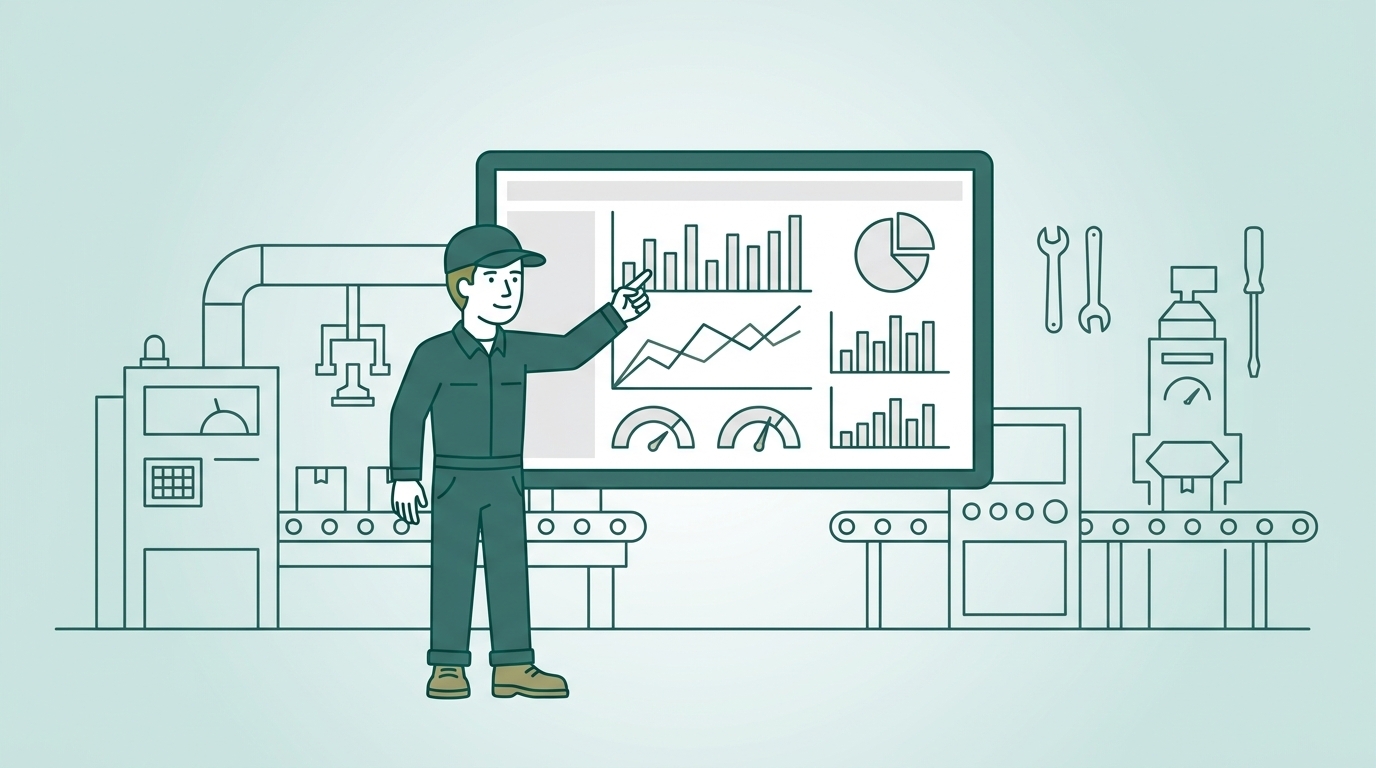
See usage and impact in the numbers

Beyond implementation. Measure who viewed which SOPs, where they got stuck, and what impact was achieved. Track operational success in numbers, so you have the data ready to present to management.


Usage Report and ROI
Usage Report・ROI
Visualize who viewed which SOPs, how far they progressed, and where they encountered obstacles. Calculate ROI from reduced onboarding time, support requests, and creation effort, and generate proposals for management automatically.
Available in all plans, including Free
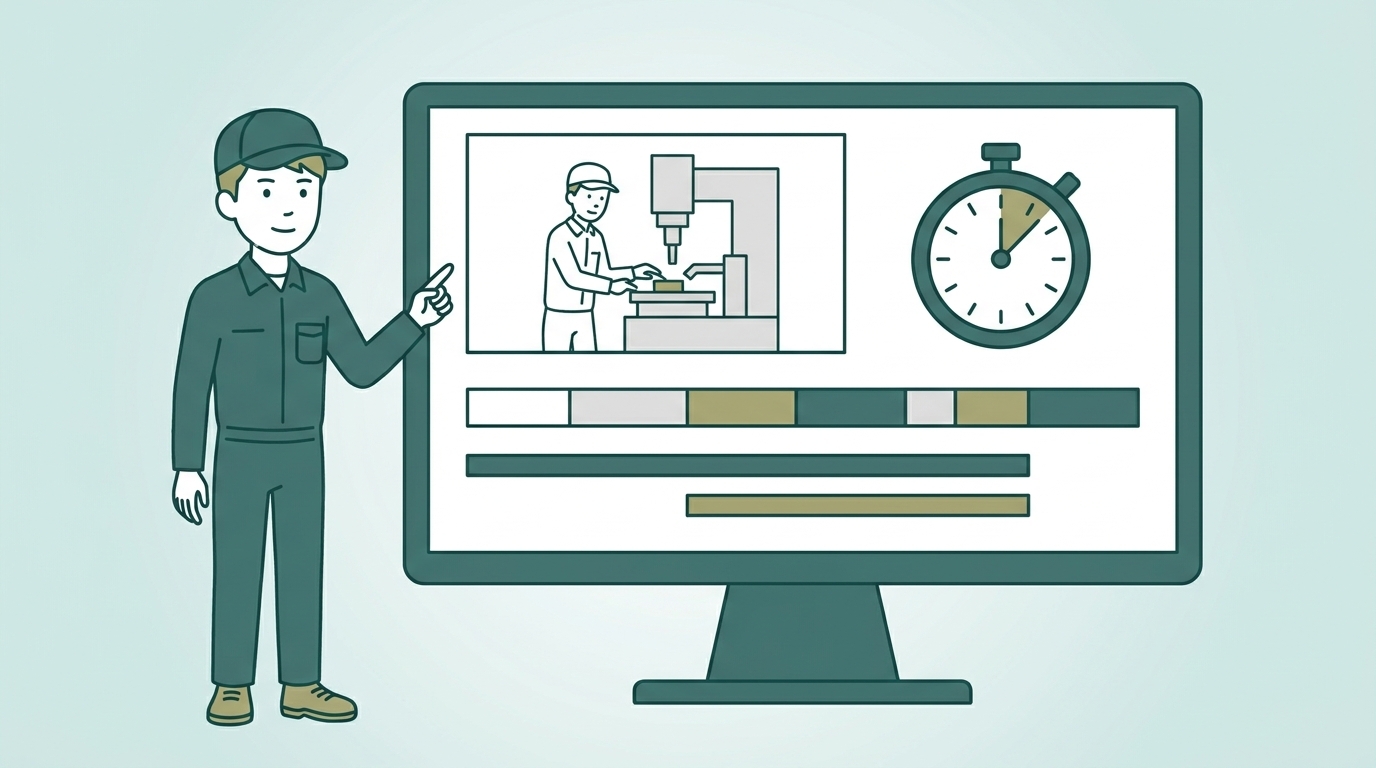
Work Analysis Time Study
Work Analysis (Time Study)
Break down videos by work element and automatically calculate standard time and rating. Develop improvements using ECRS methodology and compare results before and after. Video SOPs become the foundation for time studies.
Pro plan and above
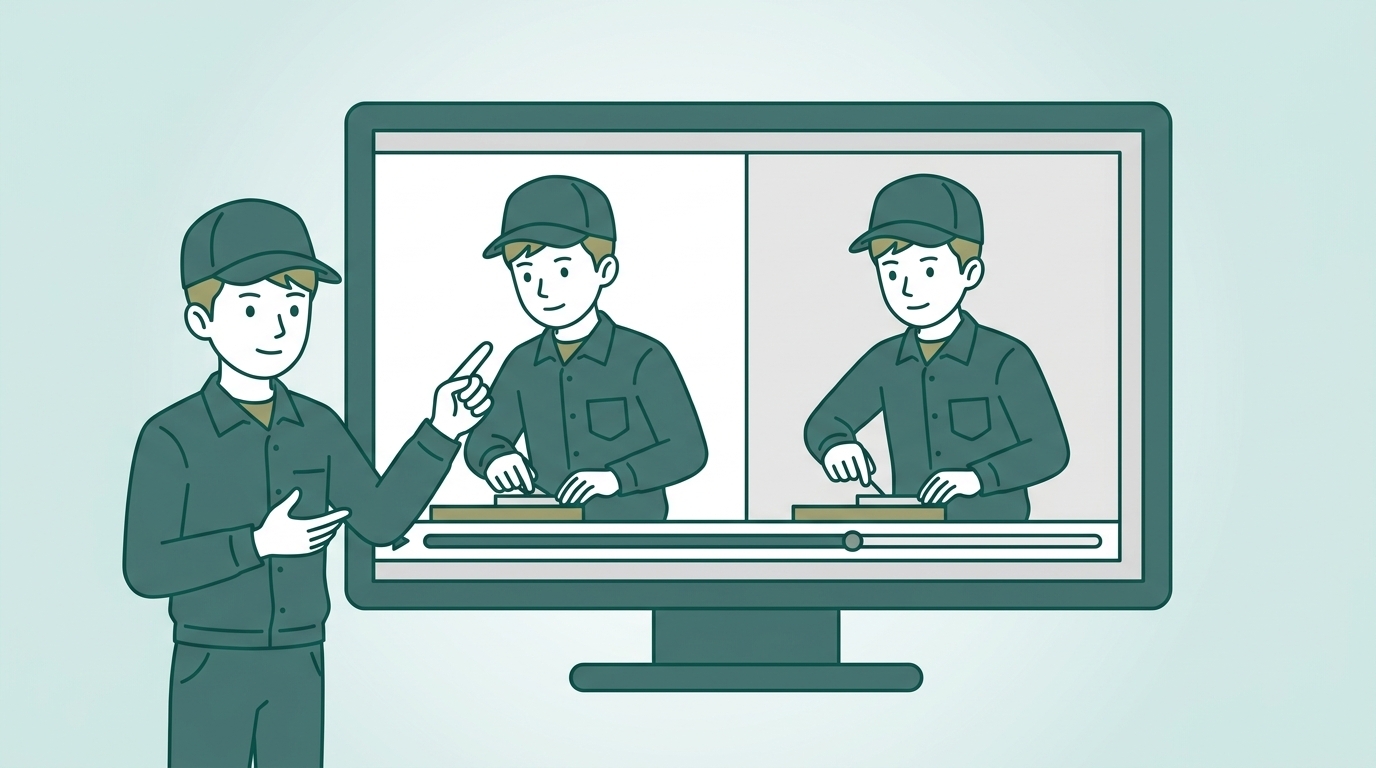
Comparison with Reference
Play expert and trainee footage side-by-side in sync. Instantly see differences in technique and timing, and identify where performance gaps occur.
Pro plan and above

Permissions, Groups, Approval Workflows, Revision History, IP Restrictions, SSO, Download Controls and more—
full management capabilities for running enterprise operations.

All features in one guide

View all features without filling out a form

Pricing Plans

Start free. Unlimited SOPs and storage.
After your subscription ends, your data stays with you, and you'll automatically revert to the free plan. Reactivate a paid plan anytime — scale only when you need to.


If you lose everything when your contract ends, all the knowledge you've built gets wasted.
Your knowledge remains your asset——that's Dive.

Free
No cost
3 accounts
Basic features・Create SOPs
1 video upload/day
Lite
¥10,000/month*
10 accounts
Team sharing
QR・External sharing
MP4 export
Core
¥25,000/month*
25 accounts
Skill Map
PDF/Excel export
Group management
Guest invitations
Popular
Pro
¥50,000/month*
50 accounts
Unlimited AI analysis
Unlimited video uploads
Auto-link to files
AR SOPs
Enterprise
¥100,000/month*
100 accounts
SSO support
Unlimited group hierarchy
Procedure Authoring Policy
Remote support

*Pricing varies by contract term (annual / 3-month contract). Account add-on options available.

View plan details and ROI calculator →

One video
becomes the answer on the floor
powers training
becomes company asset

Frontline knowledge starts here.

  • Image 10-4
  • Screenshot 2025-09-15 175406
  • Image 1-Sep-05-2024-08-36-15-4858-AM
  • Image 8-3
  • tekken
  • Image 3-4
  • Image 4-2
  • Image 9-3
  • Screenshot 2025-04-01 141604
  • Screenshot 2025-04-01 141717
  • Image 11-2
  • Image 10-4
  • Image 2-Sep-05-2024-08-36-15-5592-AM
  • Screenshot 2025-09-15 175406
  • Image 1-Sep-05-2024-08-36-15-4858-AM
  • Image 8-3
  • tekken
  • Image 3-4
  • Image 4-2
  • Image 2-Sep-05-2024-08-36-15-5592-AM
  • Image 9-3
  • Screenshot 2025-04-01 141604
  • Screenshot 2025-04-01 141717
  • Image 11-2
  • Image 10-4
  • Screenshot 2025-09-15 175406
  • Image 1-Sep-05-2024-08-36-15-4858-AM
  • Image 8-3
  • tekken
  • Image 3-4
  • Image 4-2
  • Image 2-Sep-05-2024-08-36-15-5592-AM
  • Image 9-3
  • Screenshot 2025-04-01 141604
  • Screenshot 2025-04-01 141717
  • Image 11-2
  • Screenshot 2025-09-15 175406
  • Image 10-4
  • Image 1-Sep-05-2024-08-36-15-4858-AM

Complete on the web! Start in 5 minutes

Present to your boss